
Project Delivery and Handoff Notes
The stretch between a working prototype and a launched product is where most projects lose time. This page covers testing, crash reporting, documentation, and the handoff decisions that keep a codebase maintainable.
What delivery actually involves
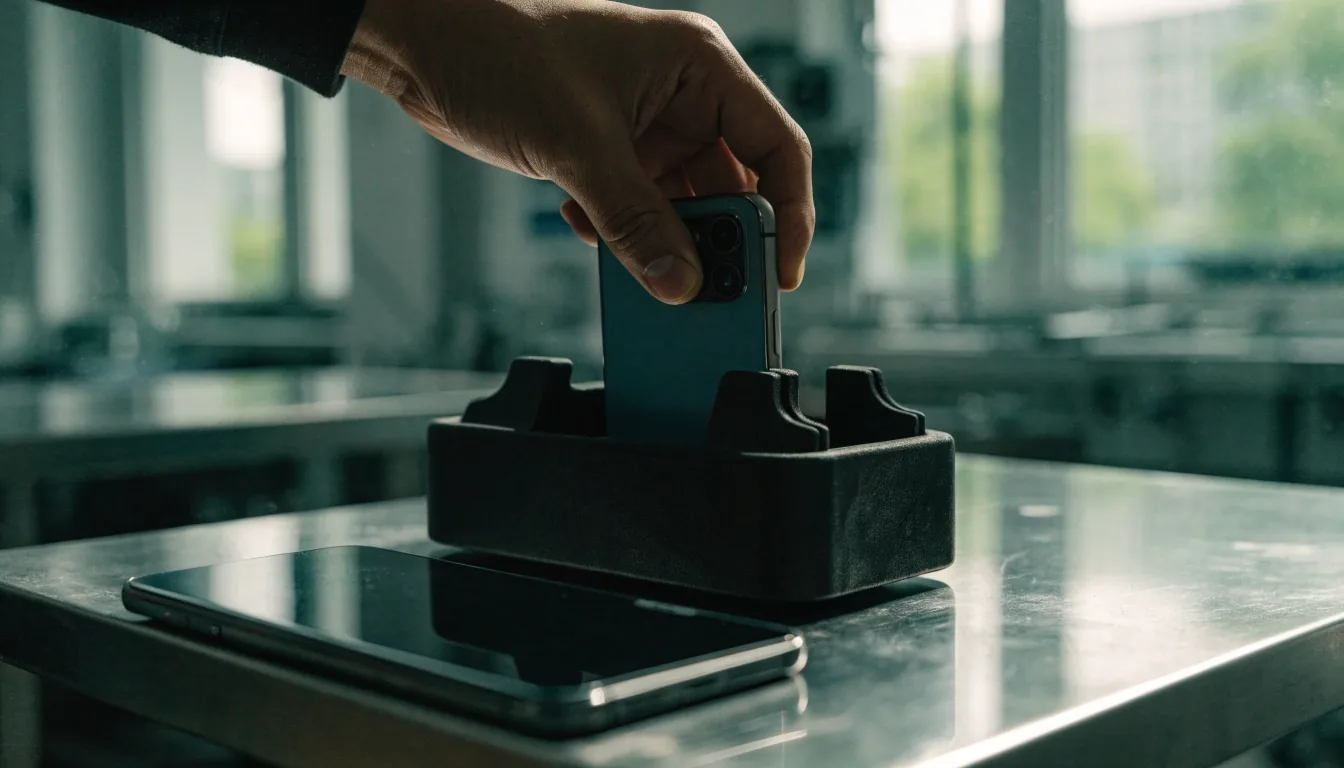
Delivery means the product runs reliably for real users on real devices. In practice that covers device testing across the phones your audience actually owns, error handling for failed network requests, and a release process someone can repeat without needing the person who built it.
In a region like Southeast Asia, device and network variety is wide enough that testing only on a recent flagship phone tells you very little about the experience most users will have. The phones in the room matter more than the phones in the review.
Before you call it delivered
A release is repeatable when a second person can follow the steps and reach the same build. Write those steps down while you still remember them.
Testing that finds real problems
Automated suites catch regressions. They do not catch a layout that breaks on a narrow screen or a screen that hangs for four seconds on a slow connection. Both kinds of check belong in the same release plan.
Unit tests
Check small pieces of logic in isolation. They run fast and tell you precisely which function broke, which is why they are the cheapest place to catch a mistake.
Integration tests
Check that separate pieces work together: a form talking to an API, a payment step talking to a session. They are slower and noisier, and they catch the failures users actually describe.
A device pass
An older Android phone on a throttled connection, a tablet in portrait, a small iPhone. Nothing in a test suite reproduces what those combinations reveal.
The goal is not coverage numbers. It is knowing what your users will hit, and having decided in advance which failures you can live with and which ones block a release.

Testing follows the room
If your audience checks your product in a shared office at midday, that is the light, the network and the noise worth testing against.
Crash reporting before launch, not after
Crash reporting captures errors from released apps and groups them so you can see which ones affect the most people. Connecting it before the first release is a small task. Retrofitting it after a wave of complaints is a larger one, because the context of those first failures is already gone.
The same principle applies on the web. Client-side error tracking catches problems that server logs never see: a script that fails only in one browser, a component that breaks when an API returns an unexpected shape.
What matters is that the report lands somewhere a person reads it. A tool nobody checks is the same as no tool at all, and it gives the team false confidence during the first weeks after release.
What to connect first
Crash capture on both platforms, a web error listener on the client, and a named person who reviews what arrives each week.
Set the grouping and the release markers before the first build goes out, so a fix can be traced back to the version that caused it.
Handoff between design and engineering
Design handoff is where specifications, assets, and interaction details move from design files into code. It goes badly when the two sides are working from different versions of the same screen, and well when both sides describe the same building blocks.
A shared component library
Both sides describe the same building blocks, so a button in a design file and a button in the codebase mean the same thing. Most of the disagreement disappears before it starts.
Empty states and error messages
The remaining work after the main screens is almost always the edges: a list with nothing in it, a failed request, a field that receives more text than anyone expected.
One version of the truth
When a screen changes, the design file and the code need to change in the same week. A stale file is the fastest way to lose a day of engineering time.
Documentation a new developer can use
Good handoff documentation answers the questions someone would otherwise ask in a chat thread. It does not need to be long. It needs to be current, because a stale setup guide costs an afternoon before anyone realises it is wrong.
The four questions to answer
- How to run the project locally, including the version of the runtime and the package manager.
- How a change reaches production, and who can start that process.
- Where the environment variables and secrets live, and how a new machine gets them.
- Why an unusual decision was made, in one paragraph, so nobody reverses it by accident.

Handoff is a conversation, not a folder
A written note explaining one awkward decision saves more time than a neatly organised asset folder that nobody opens.
Code maintainability as a delivery concern
Who can change this next?
If the answer is one person, the project has a single point of failure that no amount of testing removes.
Maintainability is a delivery issue, not an afterthought. Code that one person understands and nobody else can change is a liability the moment that person moves on to another project.
Practical steps are unglamorous. Consistent naming, so a reader can guess where something lives. A small number of dependencies that each do real work, rather than a long list nobody audits. Comments that explain why a decision was made, not what the next line does, because the code already says what it does.
None of that is exciting, and all of it shortens the next release. A team that can read its own code six months later ships a fix in an afternoon instead of a week.
Release and the weeks after
A launch is a beginning. The weeks after release surface the issues that testing missed, and how fast the team can respond depends almost entirely on what was set up before the first build went out.
Monitoring
Error rates, failed requests and slow endpoints watched somewhere a person actually looks. Without it, the first sign of trouble is a support message.
A rollback path
A tested way to return to the previous working version, so a bad release is a short interruption rather than an evening of improvisation.
A short fix route
A way to ship a small correction without a full release cycle. On mobile that may mean a server-side switch; on the web it is often a deploy.
Planning for that period is part of delivery, not a separate phase that starts when something breaks. The teams that handle a difficult first week well are usually the ones that decided how they would respond before anything went wrong.
Questions teams ask before handoff
Short answers to the points that come up most often when a project moves from the people who built it to the people who will run it.
How long should a device testing pass take?
It depends on how many device and network combinations matter to your audience. A focused pass on the three or four phones most of your users own, plus one slow connection, usually finds more than a wide sweep across many devices.
Do we need crash reporting if we have no users yet?
Yes, because the first users are exactly the ones you have no other way to hear from. Connecting it takes a short setup step now and saves a much longer investigation later, when the context of the first failures is already lost.
What belongs in handoff documentation?
How to run it locally, how to deploy it, where the environment variables live, and why any unusual decision was made. Everything else can live in the code, in review comments, or in a conversation.
How do we keep a codebase maintainable after launch?
Consistent naming, a dependency list that stays short on purpose, and comments that explain reasoning. Review each other's work regularly so at least two people can navigate any part of the project.
Where to go next
Plan the handoff before the last sprint
Delivery notes are worth writing while the decisions are still fresh. If your team is choosing frameworks, planning a design system, or working out who owns a launch, the pages below go into that detail without the sales language.
ViewNeural Digital publishes these notes for teams planning web and mobile work. For questions about a specific project, reach the team at [email protected] or +65 6236 5595, Monday to Friday, 9:00 AM to 6:00 PM. Office: Avenida Nueva Providencia 1800, 7500000 Providencia, Región Metropolitana, Chile.